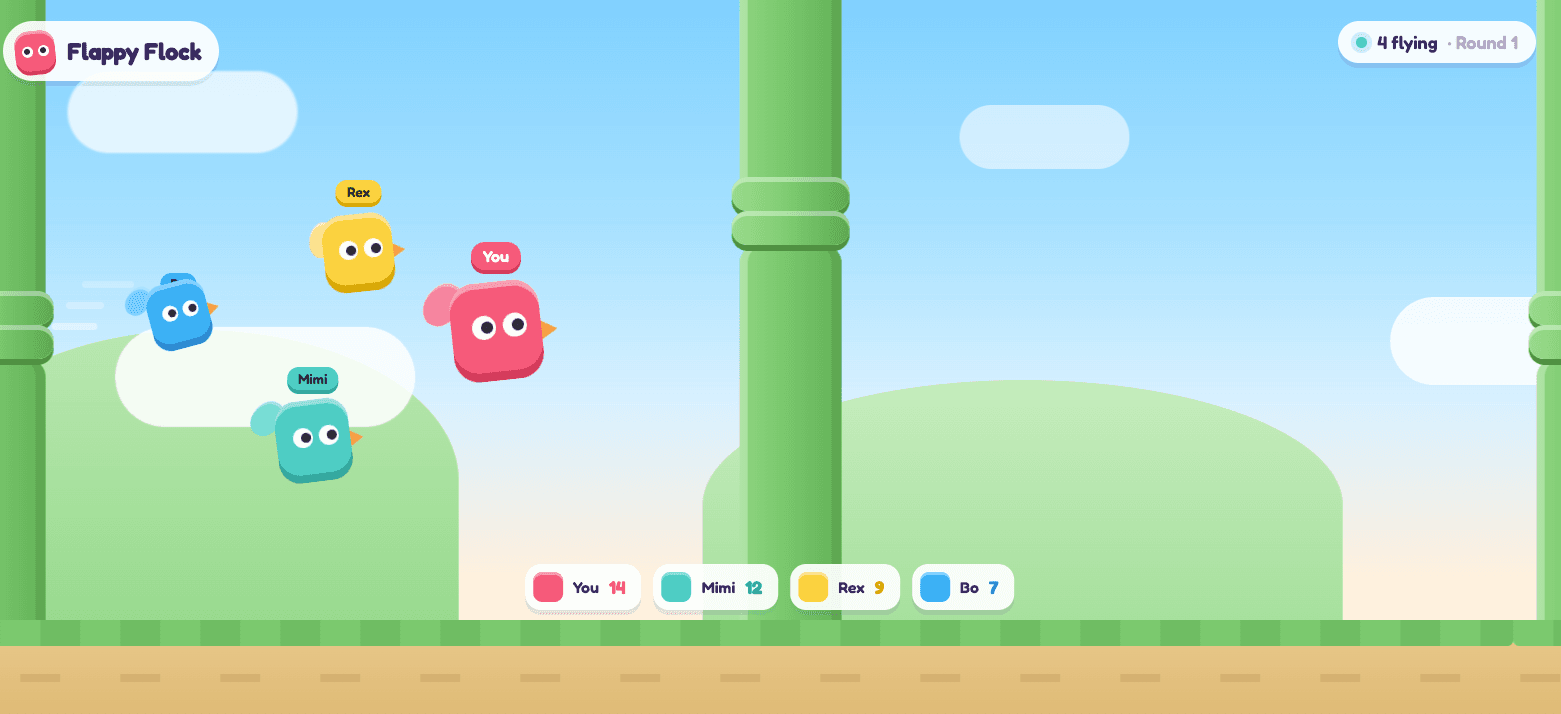
Flappy Flock
Tap to flap. Last bird flying wins.
1–8 playersYou do not need a console, a gamepad or an app. If your television can open a web page — or you can plug a laptop into it — then the TV is the screen, the phones in everyone’s pockets are the controllers, and the entire setup takes about thirty seconds.
This is how LanPlay works, and it is why there is nothing to install. The shared screen loads one web page; each player’s phone loads another. The room code is the only thing connecting them, so people can join from mobile data, from the sofa, or from the kitchen while they are still pouring drinks.
Works on a smart TV, a laptop on HDMI, a projector or a tablet.
On whatever you want to play on — a smart TV's browser, a laptop plugged into the TV over HDMI, a projector, a tablet propped up on the table — go to lanplays.com and press Host a Game. A room code and a QR code appear on the screen.
Each player points their phone camera at the QR code and taps the link, or opens lanplays.com/join and types the four-to-six character room code off the screen. No app store, no sign-up, no password.
The browser on each phone turns into a gamepad — a stick, a couple of chunky buttons, or two pedals, depending on the game. The big screen stays the only thing anyone needs to watch.
The host picks from the catalogue and everybody plays at once on the shared screen. Rounds run 60 to 100 seconds. When one finishes, pick another — nobody has to rejoin.
Party games have a very short window. Somebody suggests a game, and you have roughly a minute before the room loses interest. An app store download — find it, install it, sign in, grant permissions, repeat for seven other people — does not fit in that window. A QR code does.
It also means the awkward cases stop mattering. The friend with a five-year-old Android, the one whose phone storage is full, the one who refuses to make another account: all of them can play, because a web page asks nothing of them. And nothing is left behind on anyone’s phone afterwards.
The trade-off is real and worth stating: browser games cannot match the graphical ceiling of a native console title. LanPlay leans into that instead of fighting it — the games are physics-driven, short and readable from across a room, which is what actually matters when eight people are watching one screen.
All free, all in the browser, all up to 8 players.
Tap to flap. Last bird flying wins.
1–8 players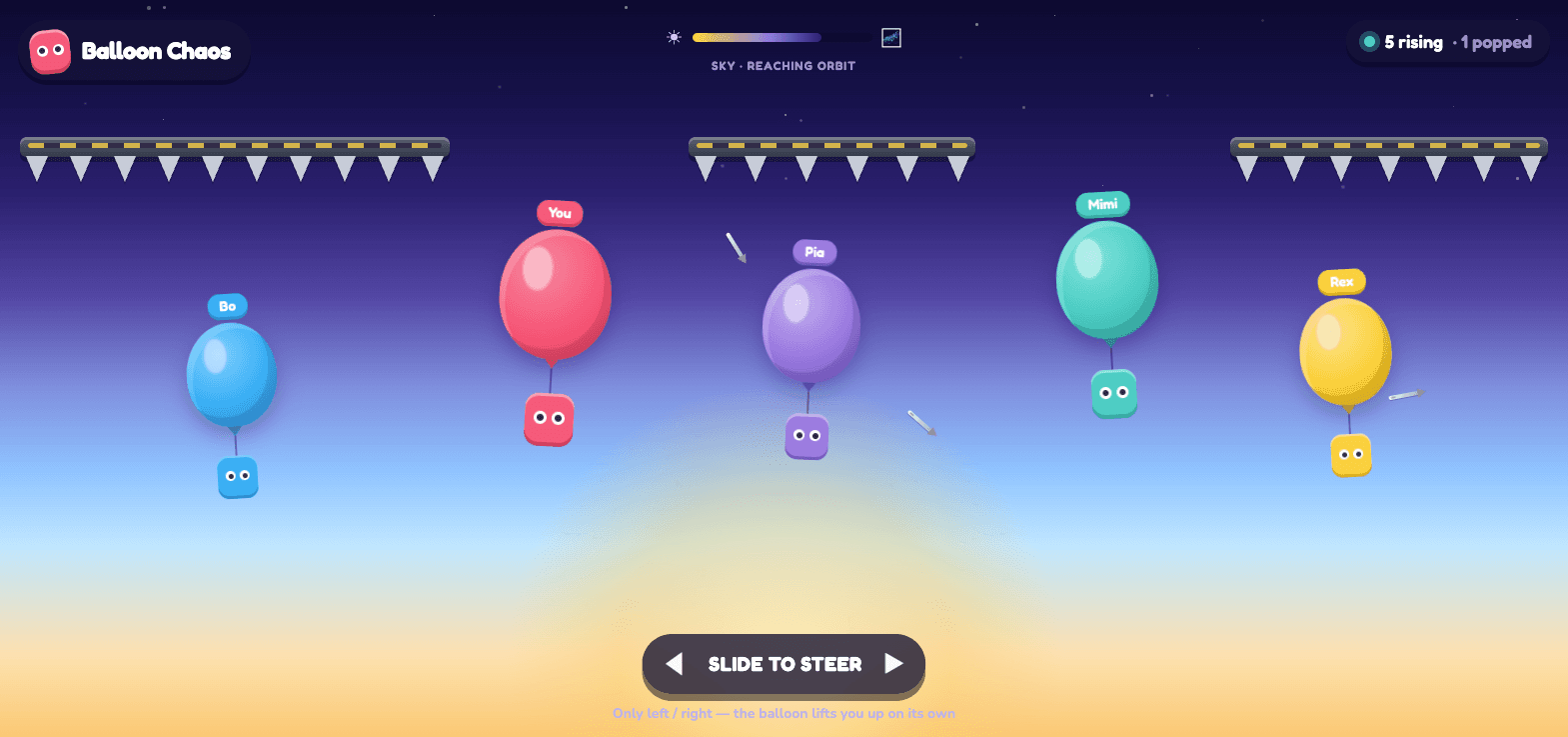
Ride your balloon past the spikes. Pop everyone else on the way up.
1–8 players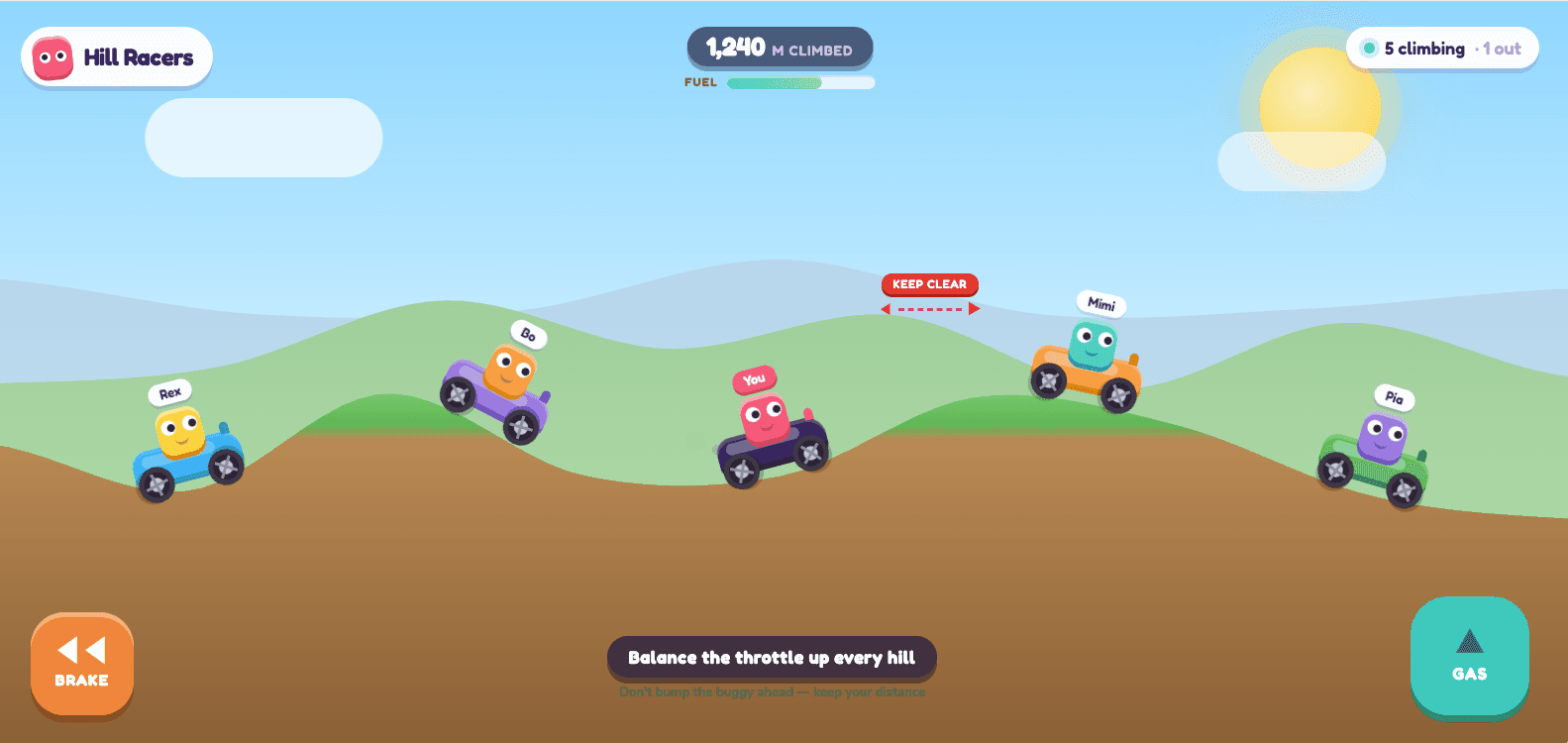
Climb the hills without flipping. Fall behind and you are out.
1–8 players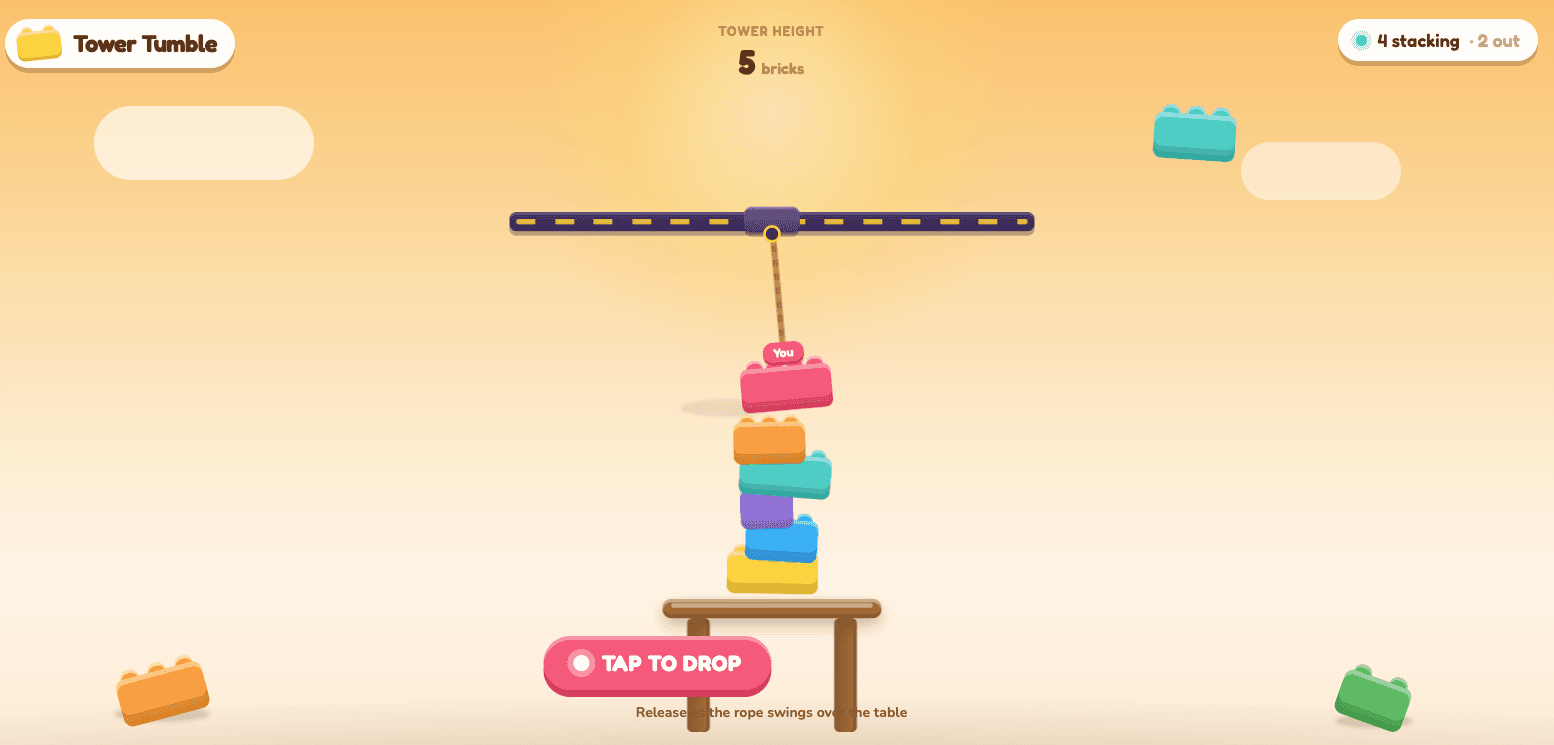
Take turns dropping bricks. Knock one off the table and you lose.
1–8 players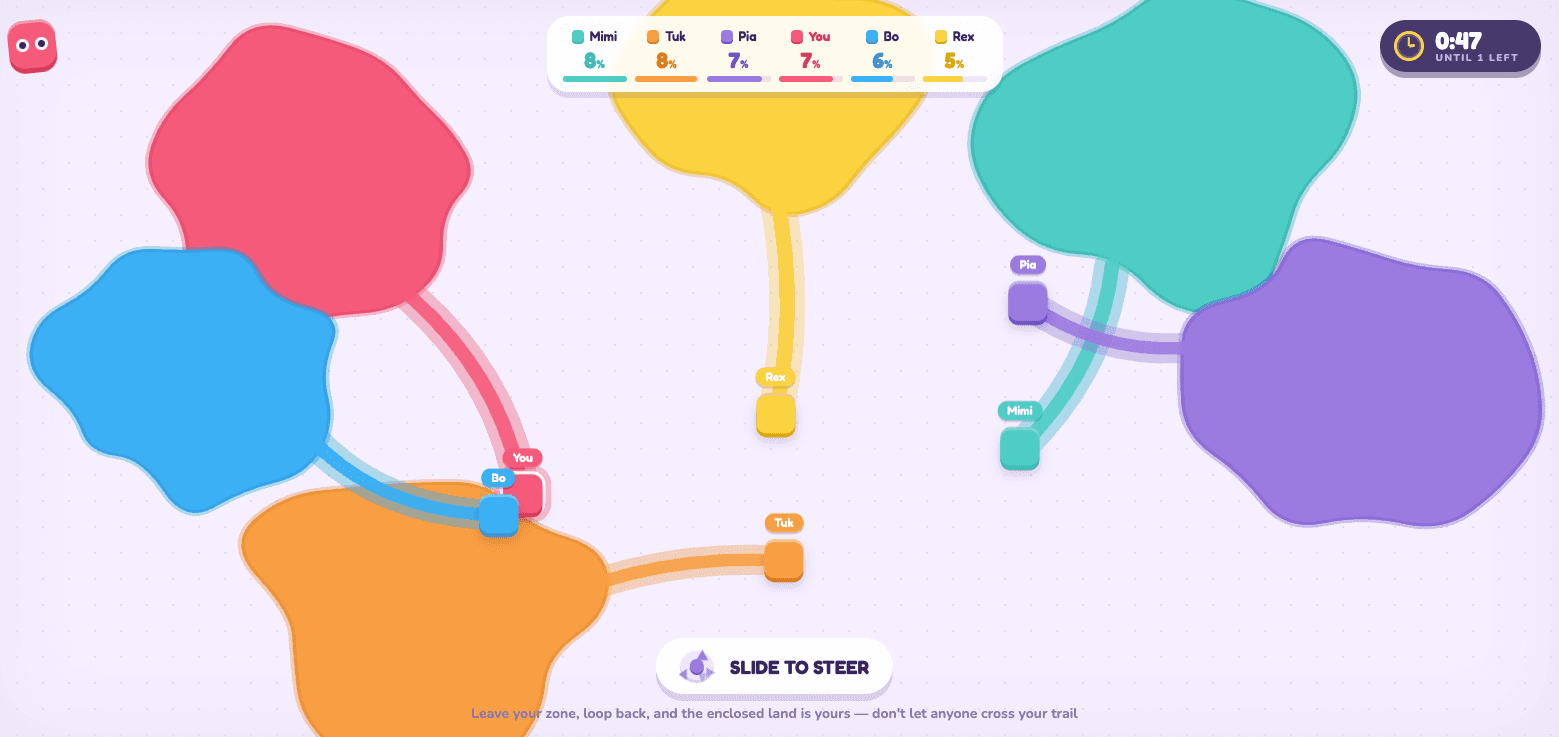
Loop out and back to claim the land. Cross a trail and they are out.
2–8 players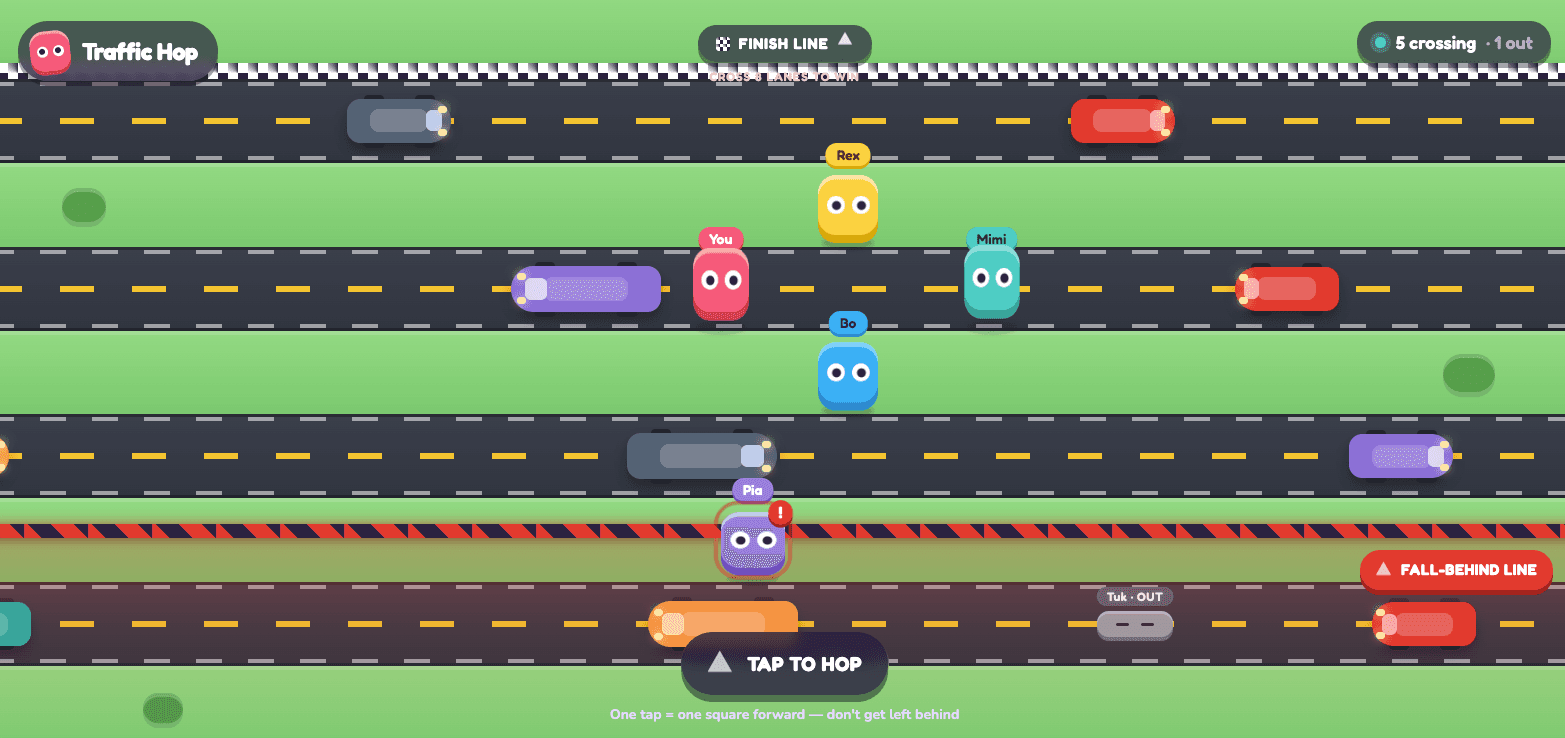
Hop the highway. Get squashed or left behind and you are out.
1–8 players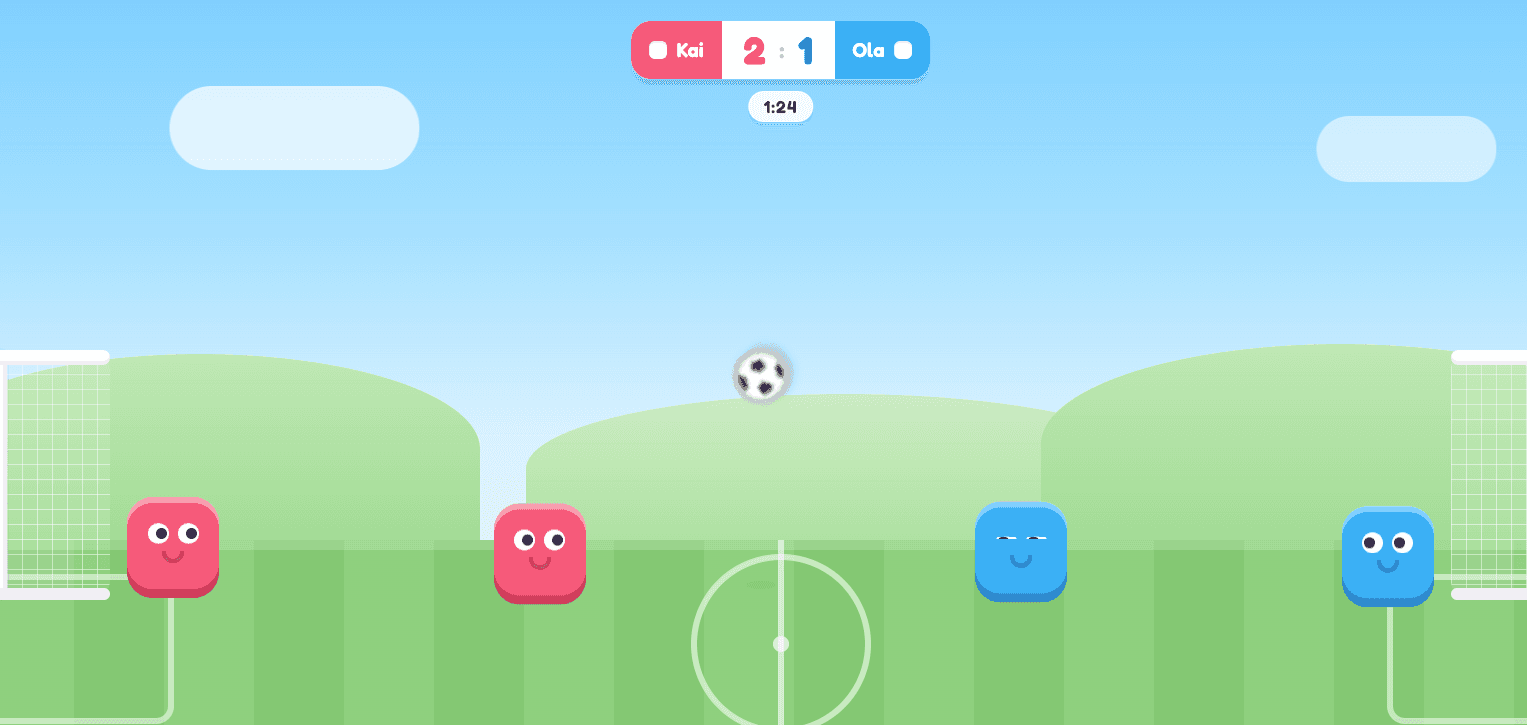
Bounce, jump and boot the ball into their net.
2–8 players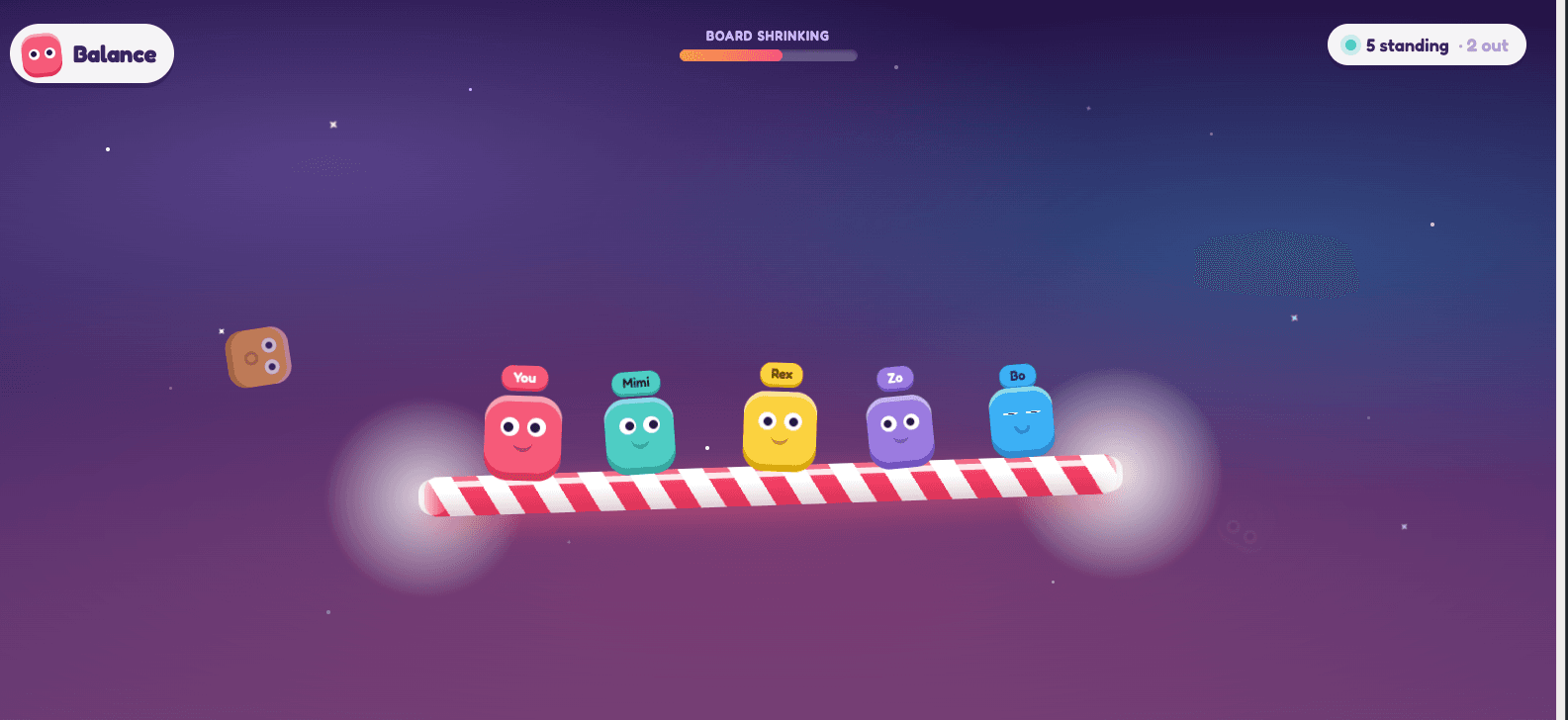
The board shrinks. Stay on it, nudge everyone else off.
2–8 players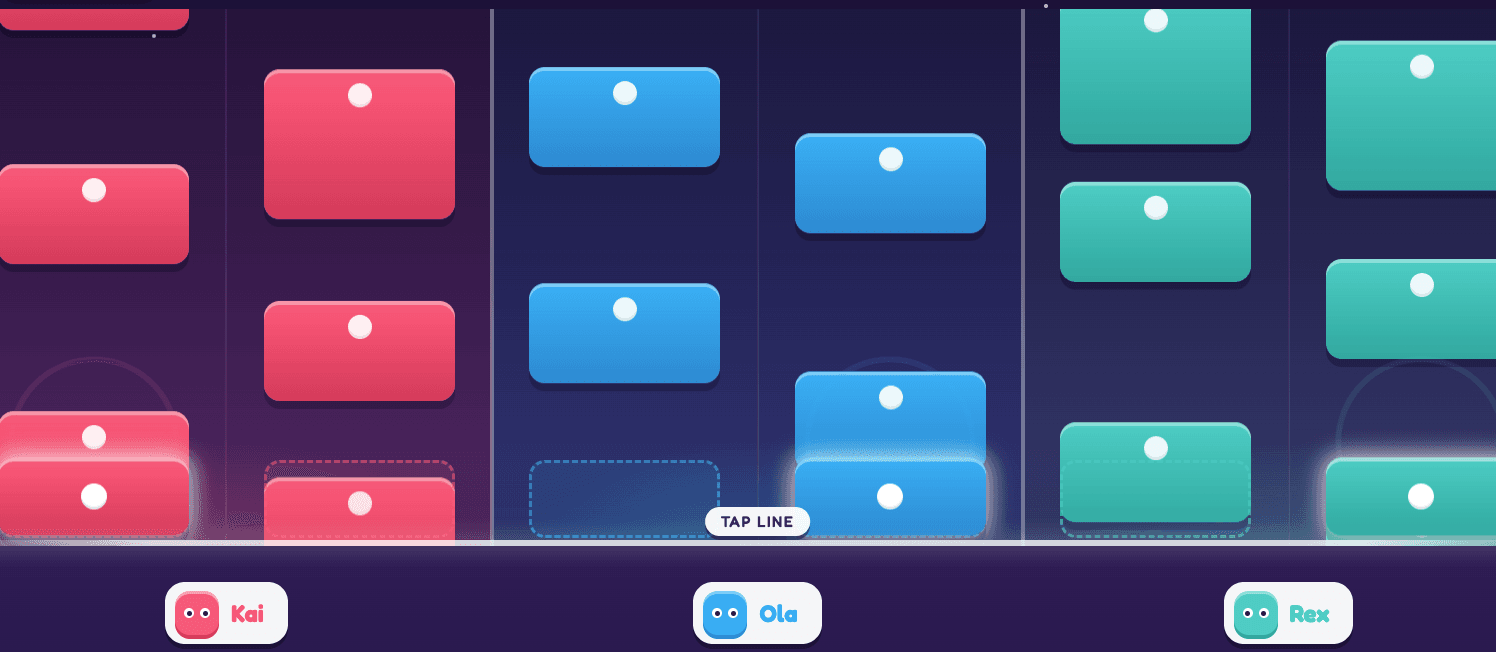
Two lanes each. Hit every tile and finish the song together.
1–8 players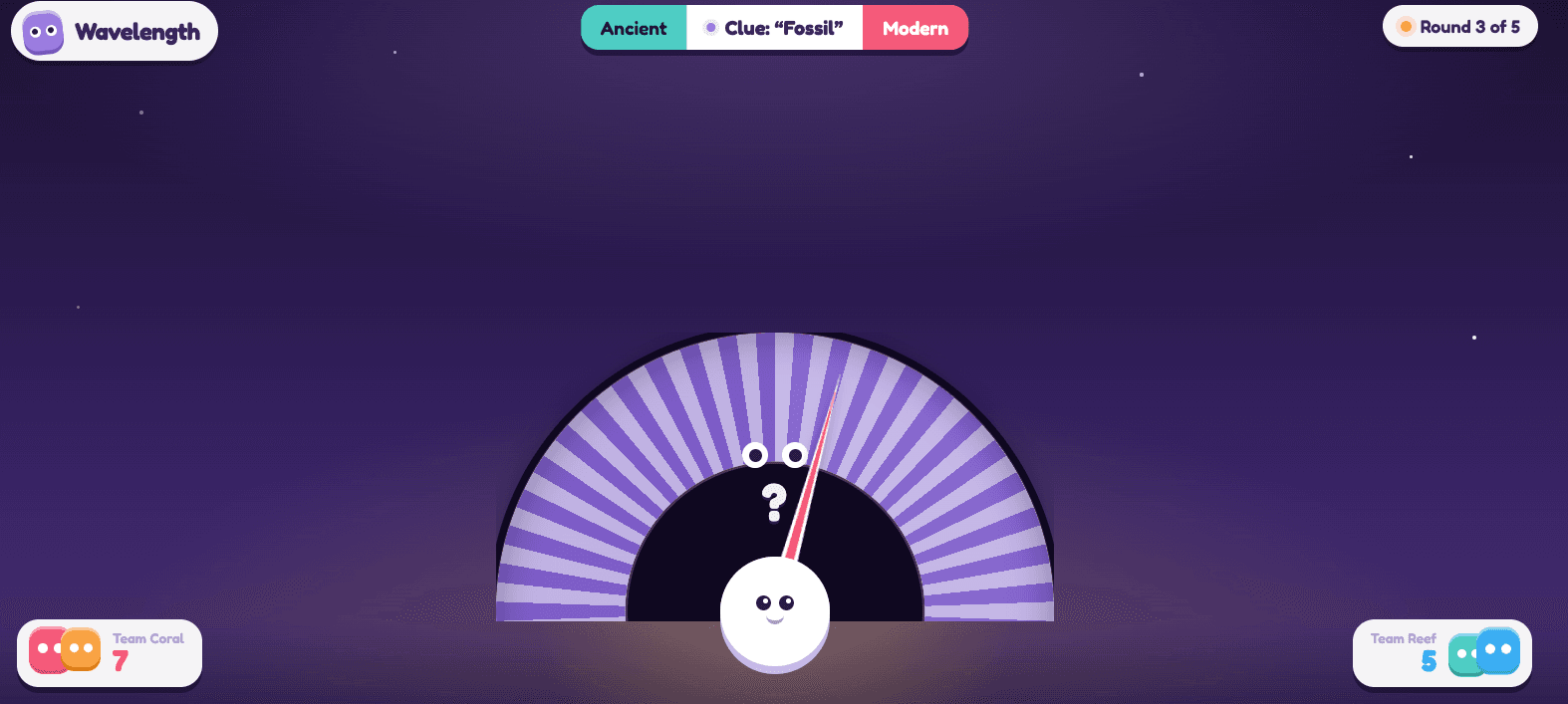
Your partner can see the hidden zone. Say one word. Find it.
2–8 players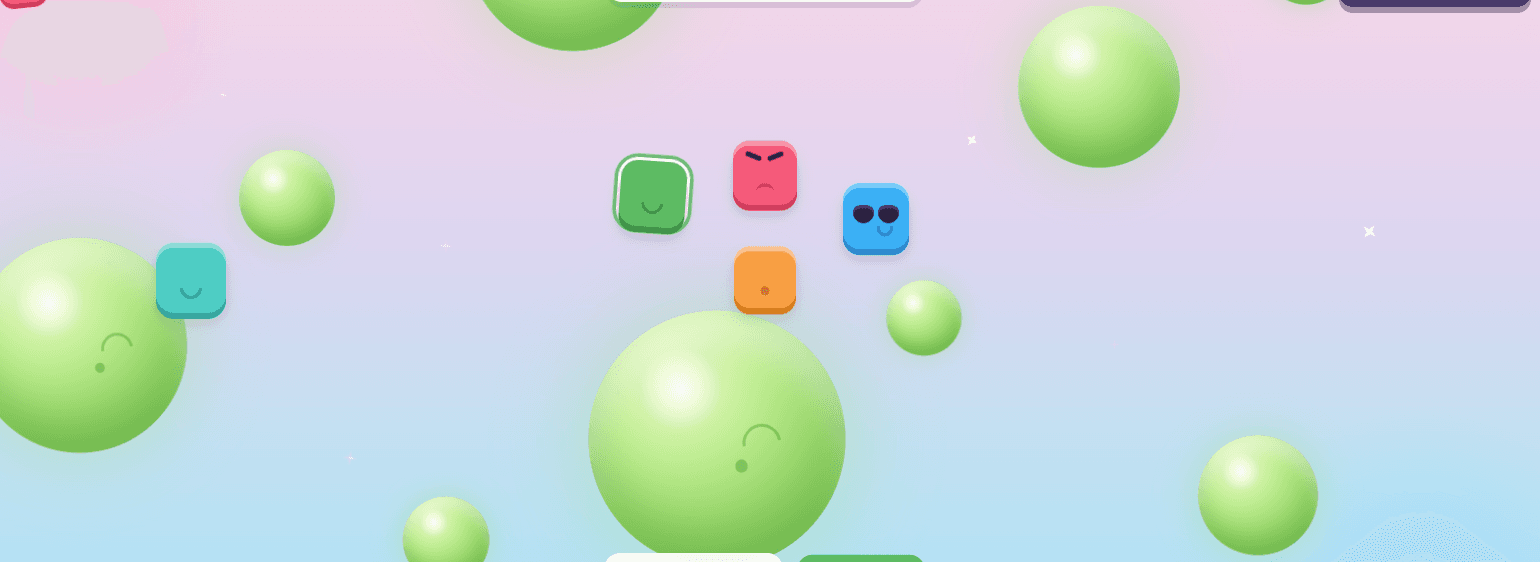
Hop from planet to planet as they rise and shrink. Last one up wins.
1–8 players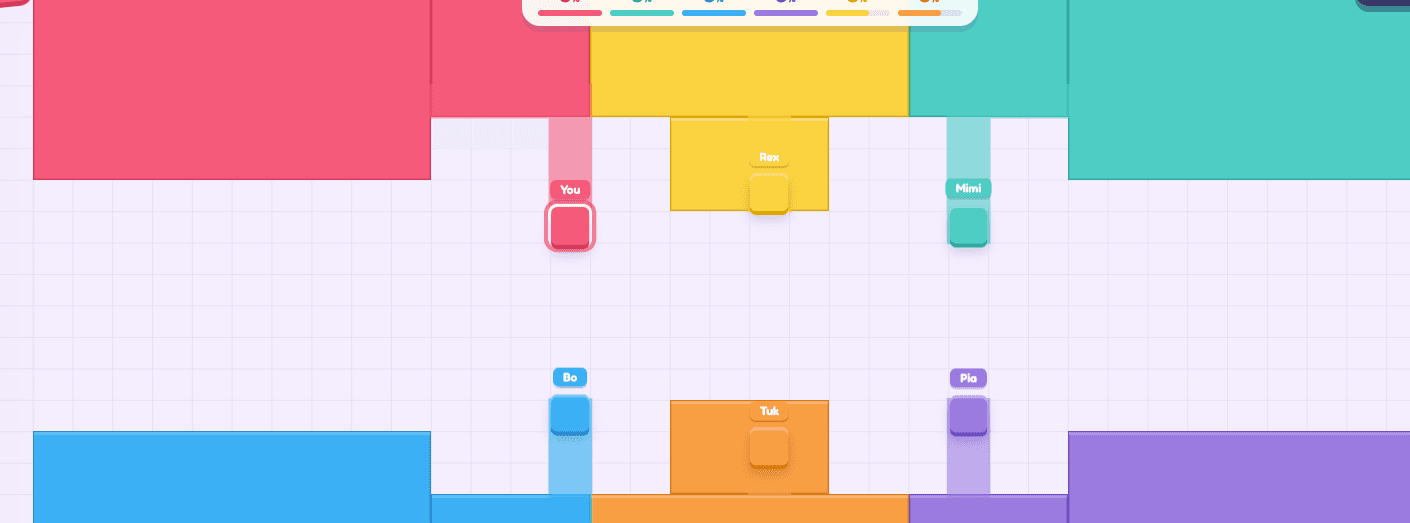
Tap a direction. Seal a loop and every tile inside turns your colour.
2–8 playersSetup questions, answered plainly.
Open lanplays.com in your TV's browser (or on a laptop connected to the TV) and press Host a Game. Scan the QR code that appears with your phone's camera. Your phone's browser becomes the controller — no app, no pairing, no Bluetooth.
No. Everything is coordinated through the room code over the internet, so a player on mobile data can join a screen on home Wi-Fi. Being on the same network does not hurt, but it is not required.
Any TV that can open a modern web browser — most smart TVs from the last few years, plus anything running through a laptop, a console browser, or a Mac mirrored to an Apple TV. If it renders a web page, it can be the arena.
Plug a laptop into the TV with an HDMI cable and open the page there instead. This is the setup most people end up using, and it is the most reliable one: the laptop does the rendering and the TV is just a big monitor.
No. One screen and one phone per player is the whole kit. There is nothing to buy, plug in or charge.
No. Both halves — the shared screen and every controller — are web pages. That is the entire point of the design: a room of eight people should not have to install anything to play one round.
Yes, and it is the best version of it. Anything that can display a browser window works as the arena, and a projector gives you the biggest arena for the least money.
Up to eight. Past that, people share a phone and take turns — which, for the turn-based games like Tower Tumble, works perfectly well.