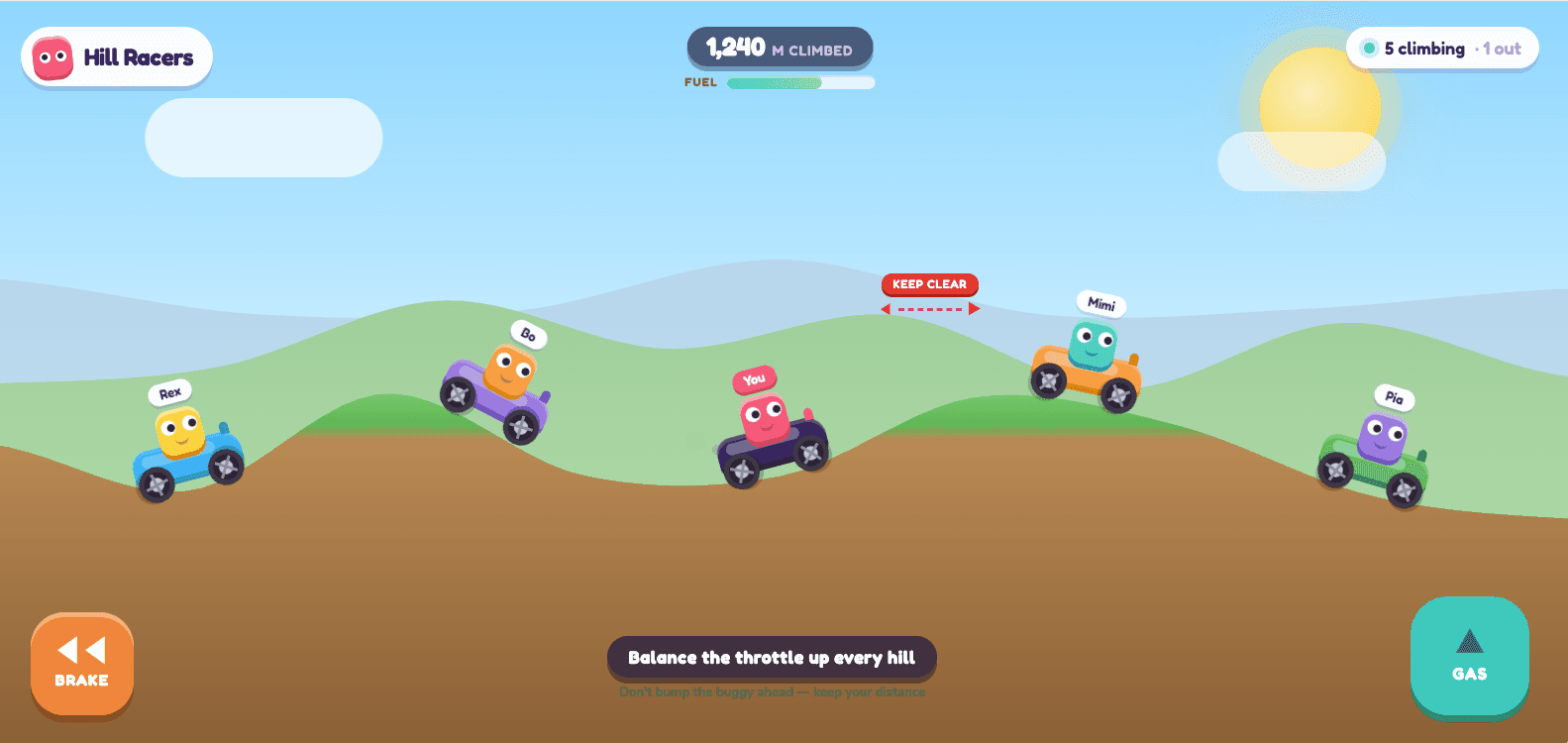
Hill Racers
Climb the hills without flipping. Fall behind and you are out.
1–8 playersThe television is the best piece of gaming hardware most households already own, and for a party it goes almost entirely unused. Everyone has a phone in their hand; the big screen sits there playing something nobody is watching. LanPlay puts the two together: the TV becomes the arena, every phone becomes a controller, and the whole room is playing the same game inside a minute.
There is no console to own, no games to buy, no controllers to hunt for and no batteries to find. The TV only needs a browser — or a laptop plugged into it, which works just as well and is what most people end up doing. Nobody installs anything, which is what makes it work with a room full of people rather than just the two of you who own the same console.
Because the screen is shared and the controllers are private, some things become possible that a console cannot do. Wavelength sends a secret to one player’s phone and nowhere else. Tower Tumble wakes up only the phone whose turn it is. The split between what the room can see and what you can see is part of the design, not a workaround.
A screen with a browser. A smart TV, a laptop on an HDMI cable, a projector, a monitor, a tablet propped against the fruit bowl. If it renders a web page at a reasonable size, it is the arena.
One phone per player, up to eight. Any phone from roughly the last decade. iPhone and Android both work; there is no app, so there is no minimum OS version to worry about.
An internet connection. The phones do not have to be on the same Wi-Fi as the screen — a player on mobile data can join the same room.
Fast, readable from the sofa, and funnier the further away you sit.
Twelve games, free, no download.
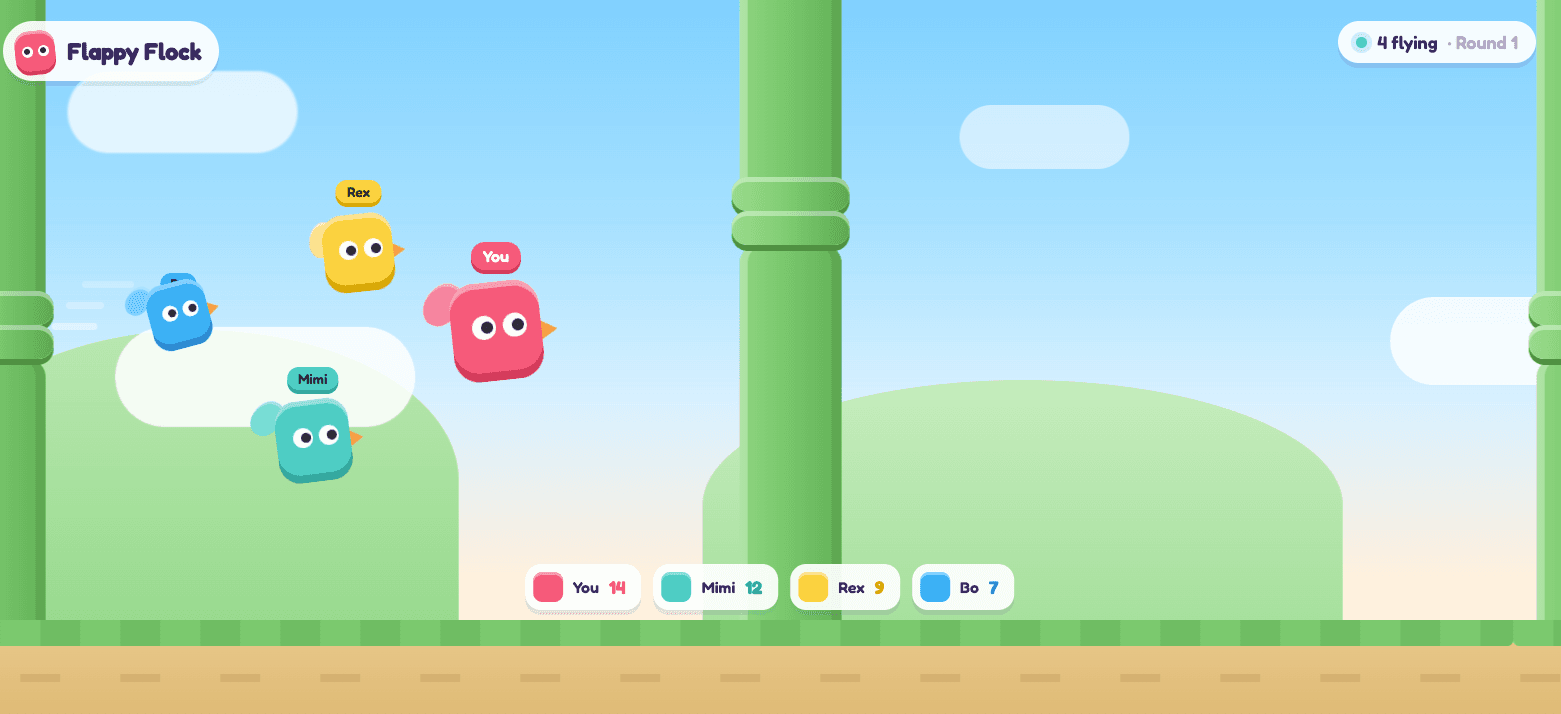
Tap to flap. Last bird flying wins.
1–8 players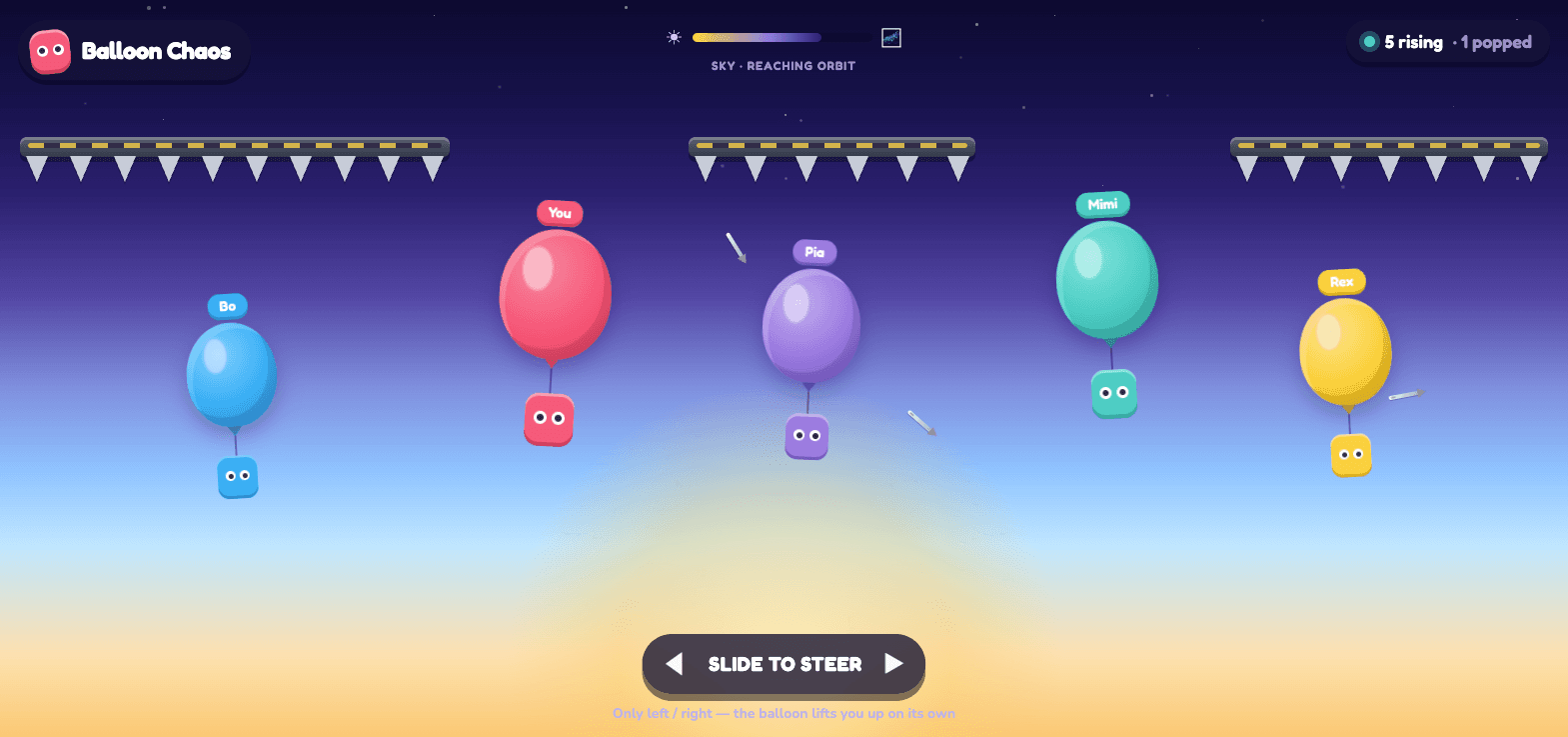
Ride your balloon past the spikes. Pop everyone else on the way up.
1–8 playersClimb the hills without flipping. Fall behind and you are out.
1–8 players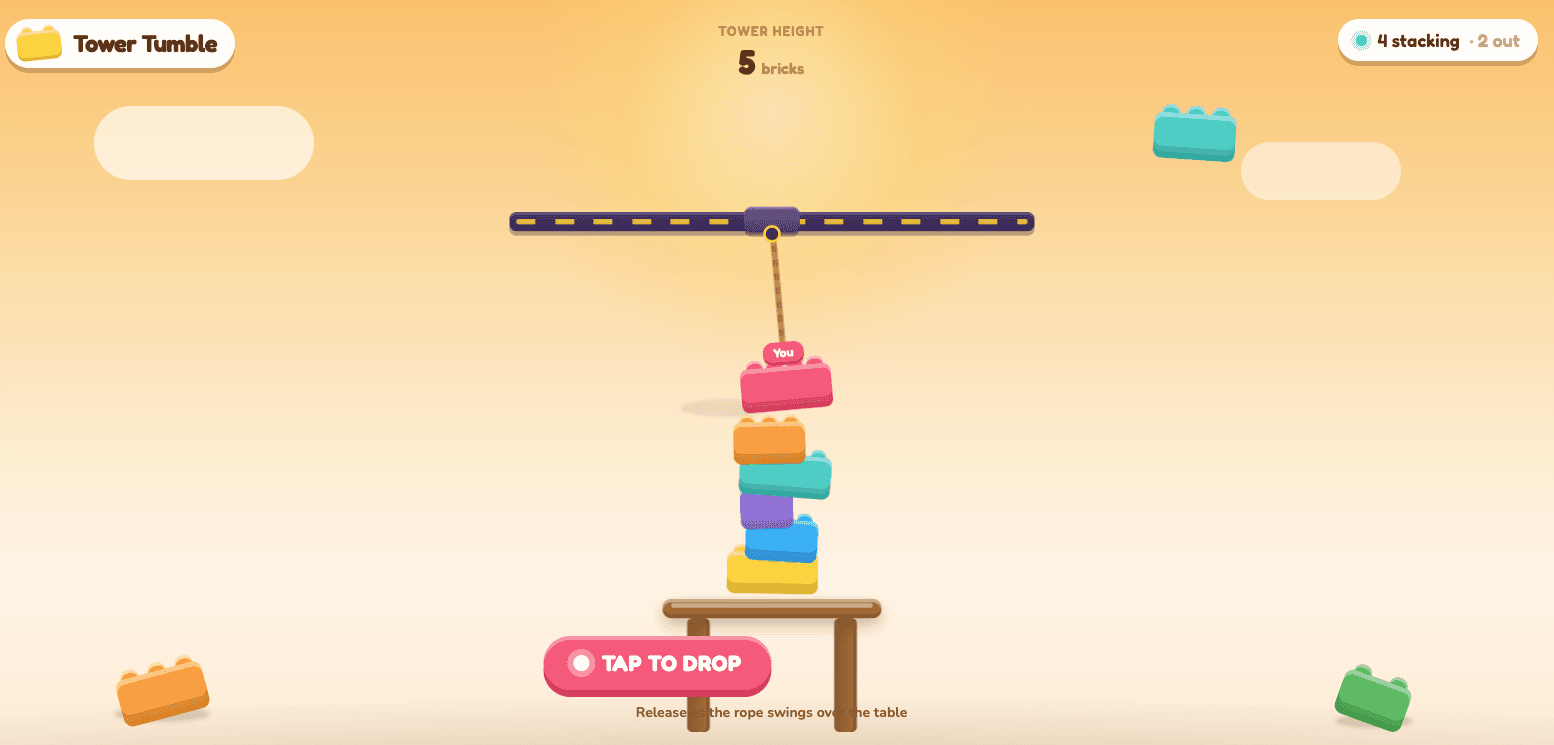
Take turns dropping bricks. Knock one off the table and you lose.
1–8 players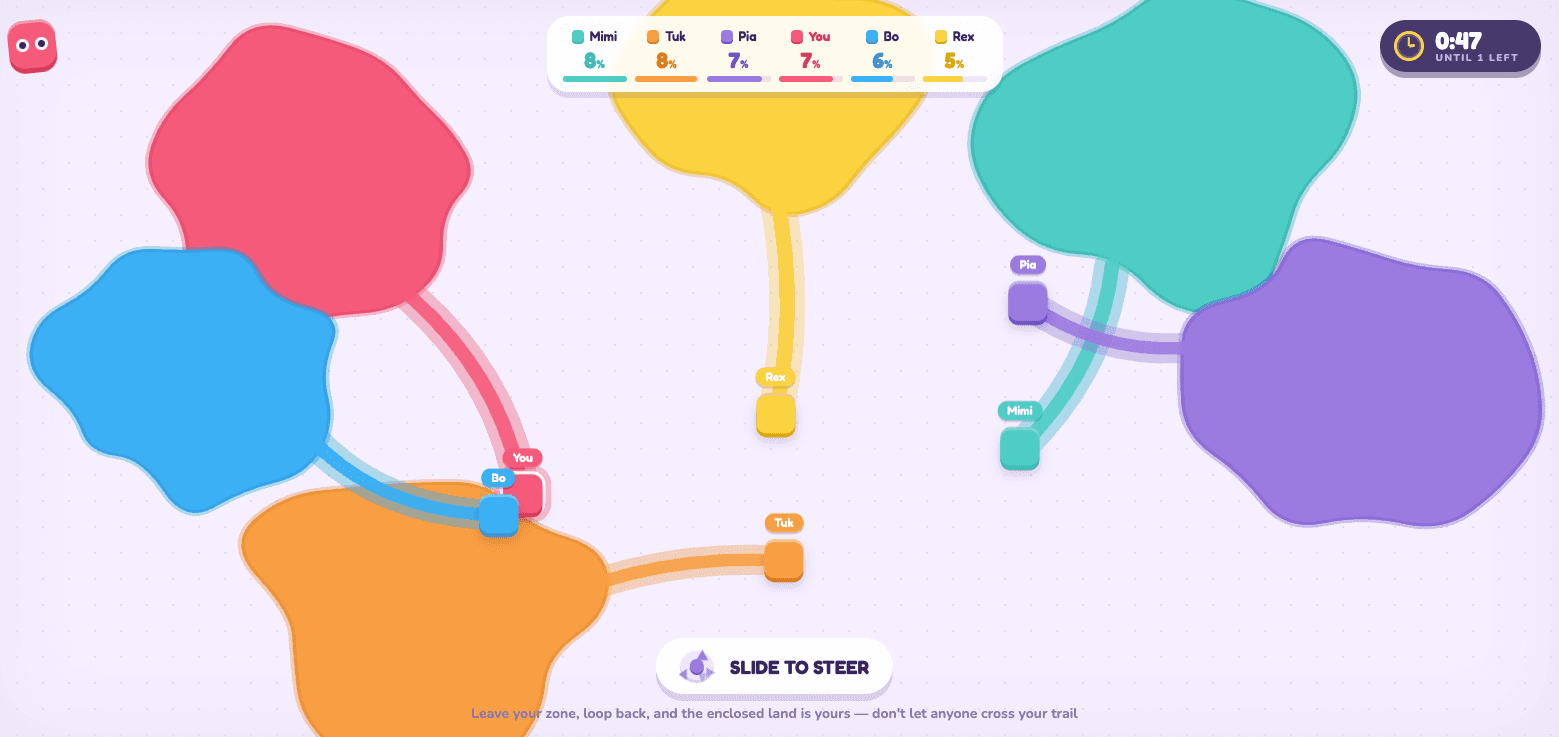
Loop out and back to claim the land. Cross a trail and they are out.
2–8 players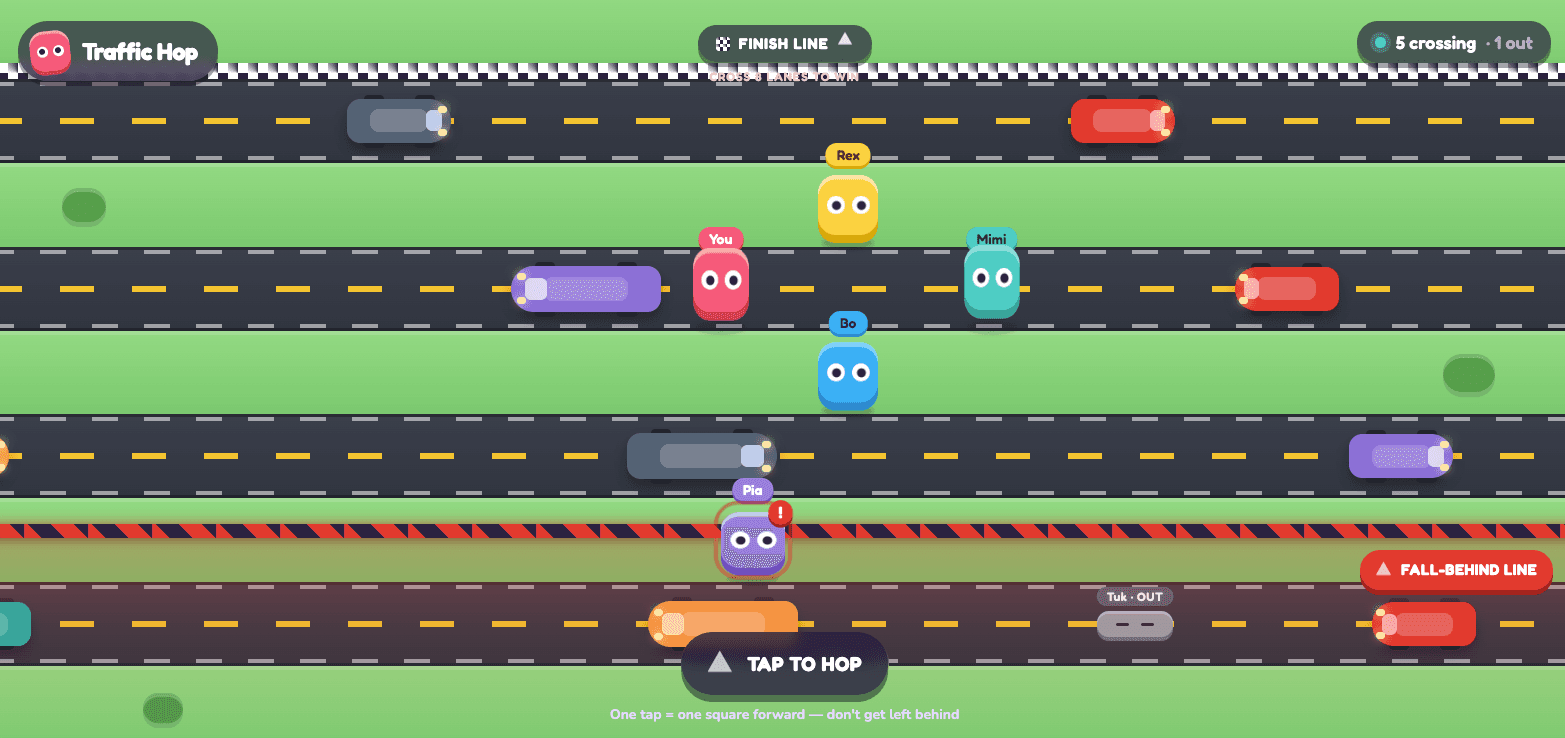
Hop the highway. Get squashed or left behind and you are out.
1–8 players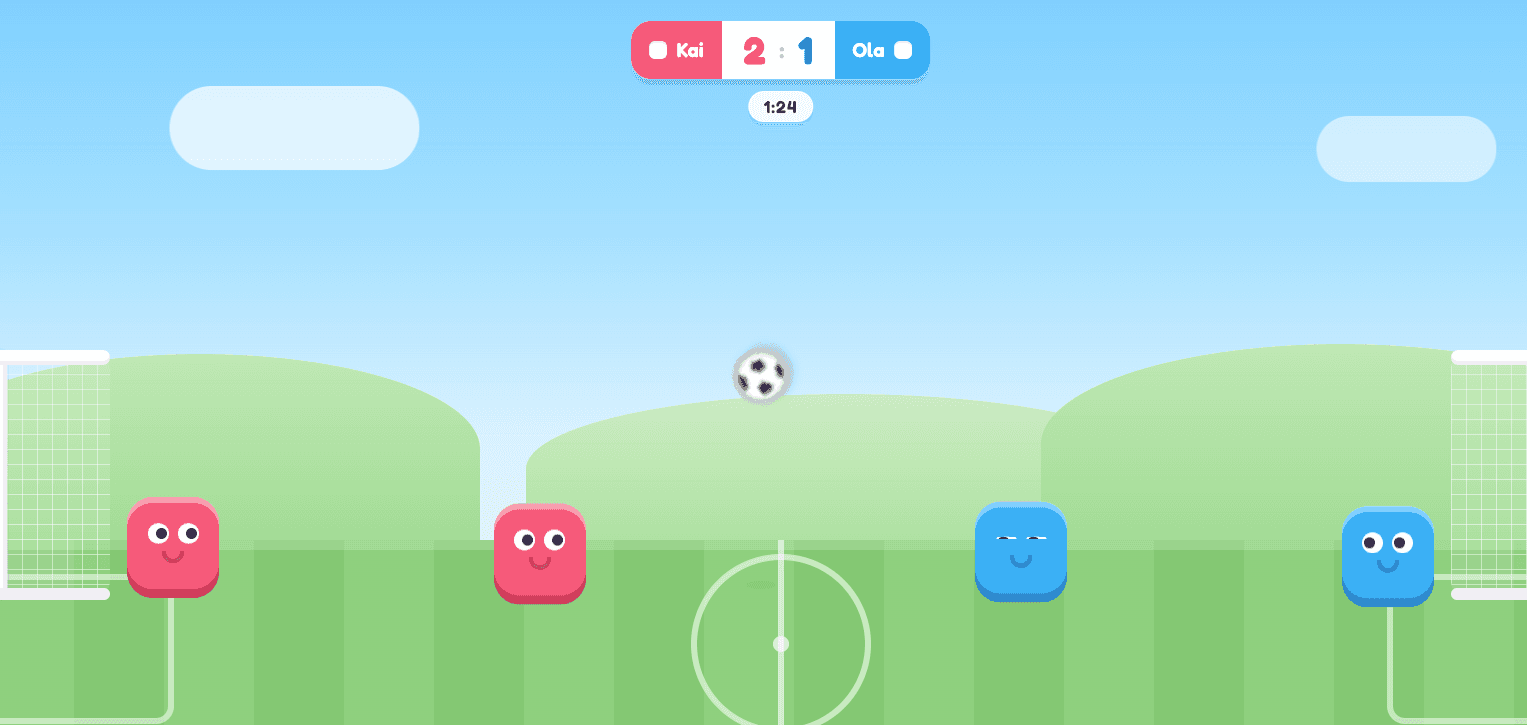
Bounce, jump and boot the ball into their net.
2–8 players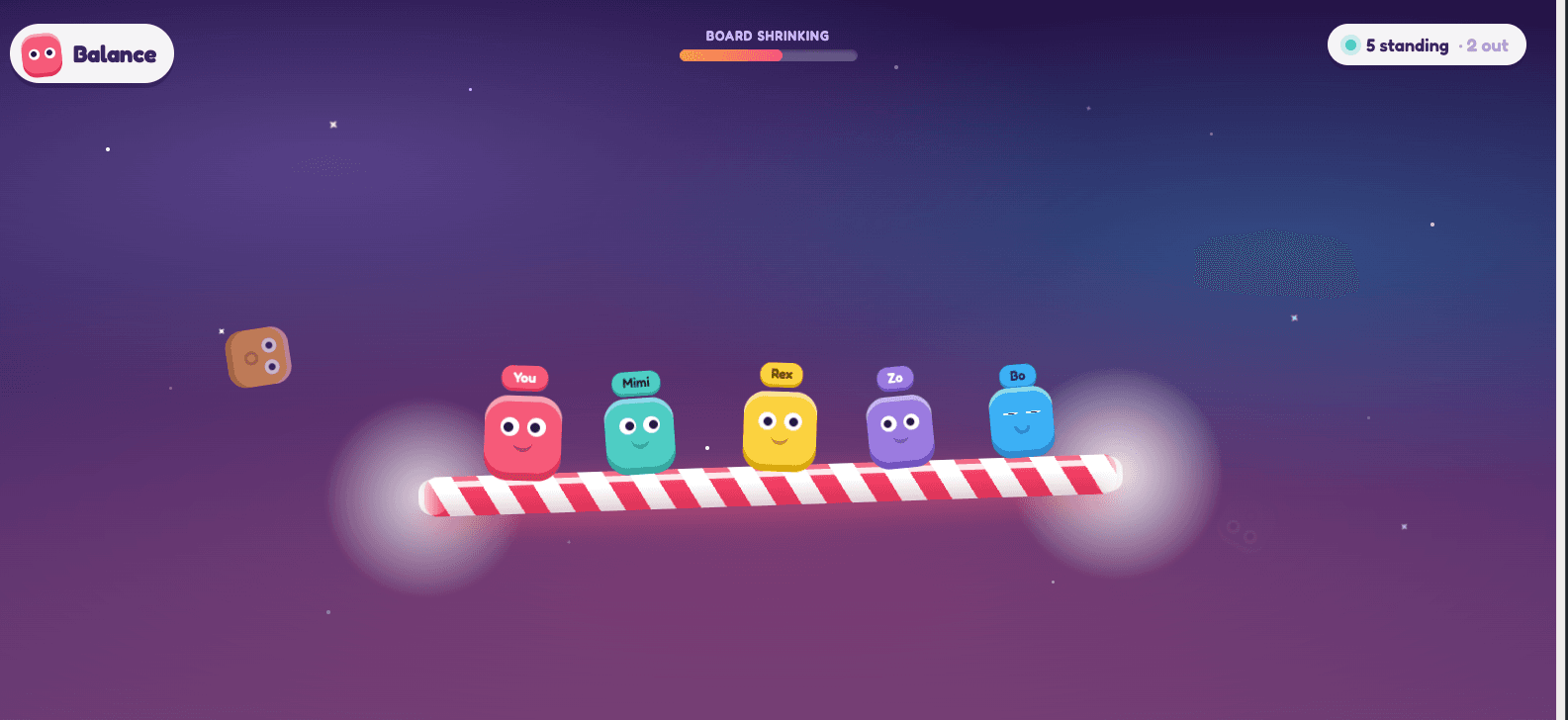
The board shrinks. Stay on it, nudge everyone else off.
2–8 players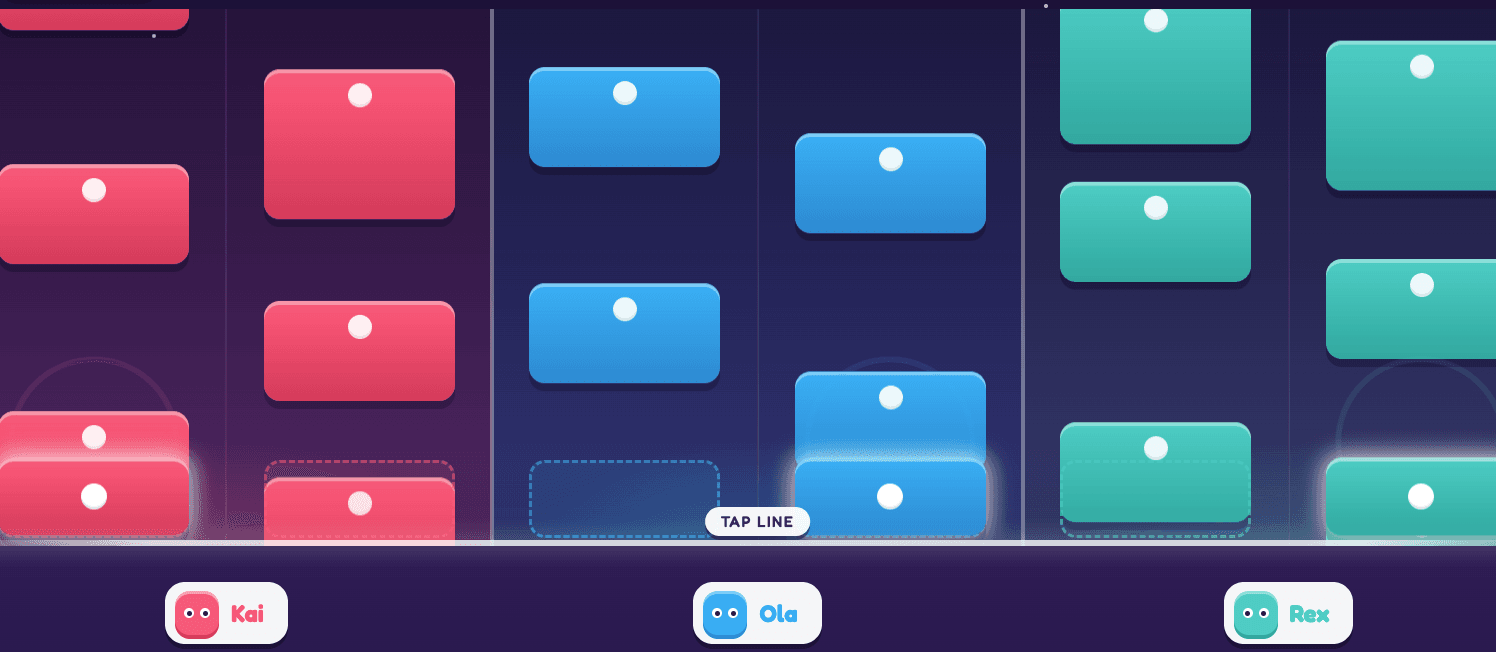
Two lanes each. Hit every tile and finish the song together.
1–8 players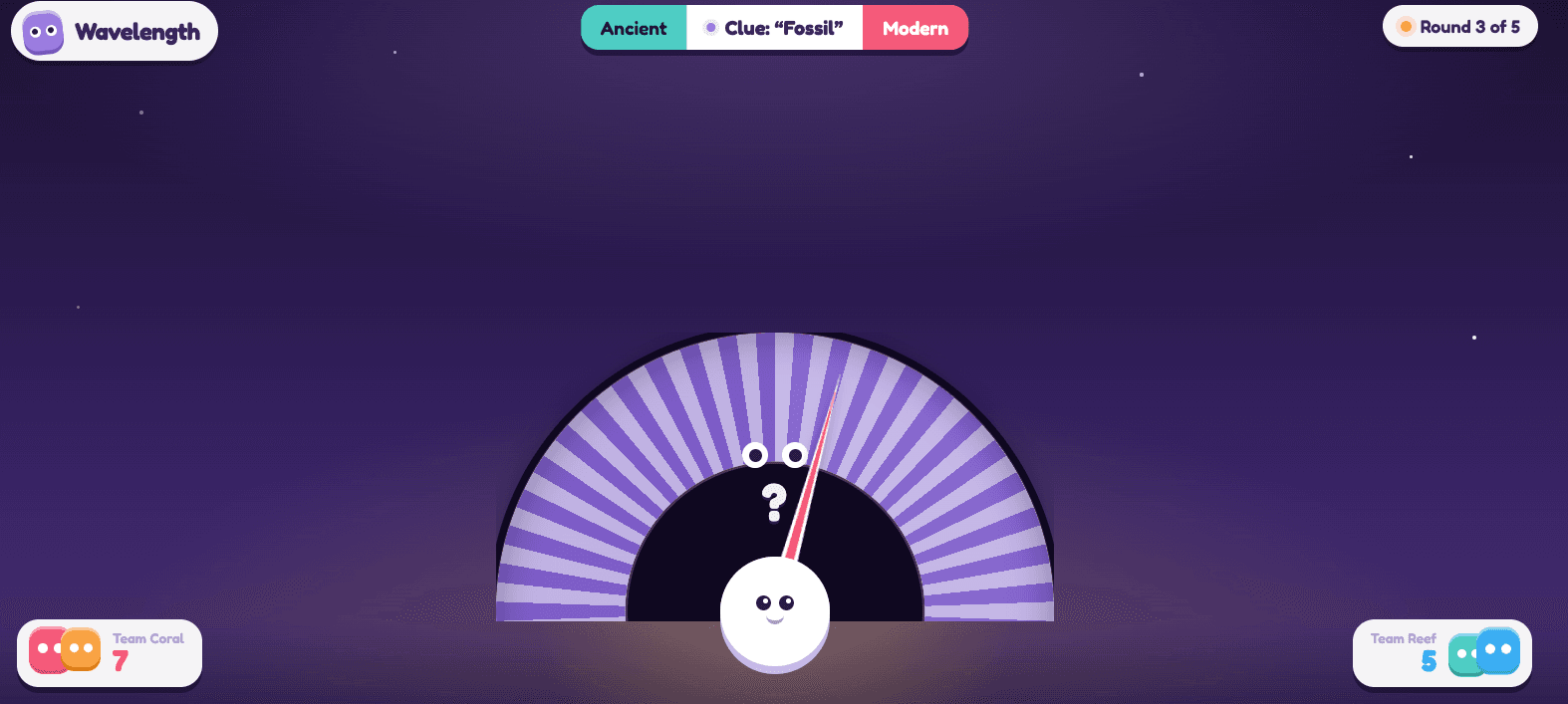
Your partner can see the hidden zone. Say one word. Find it.
2–8 players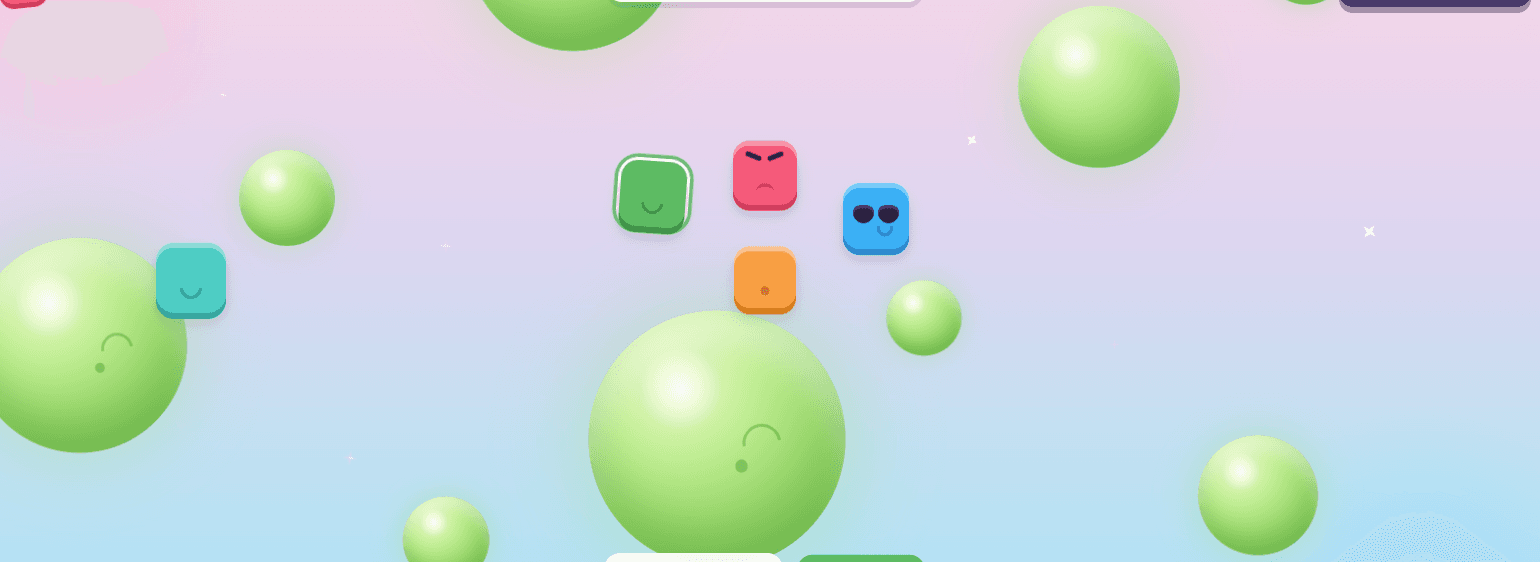
Hop from planet to planet as they rise and shrink. Last one up wins.
1–8 players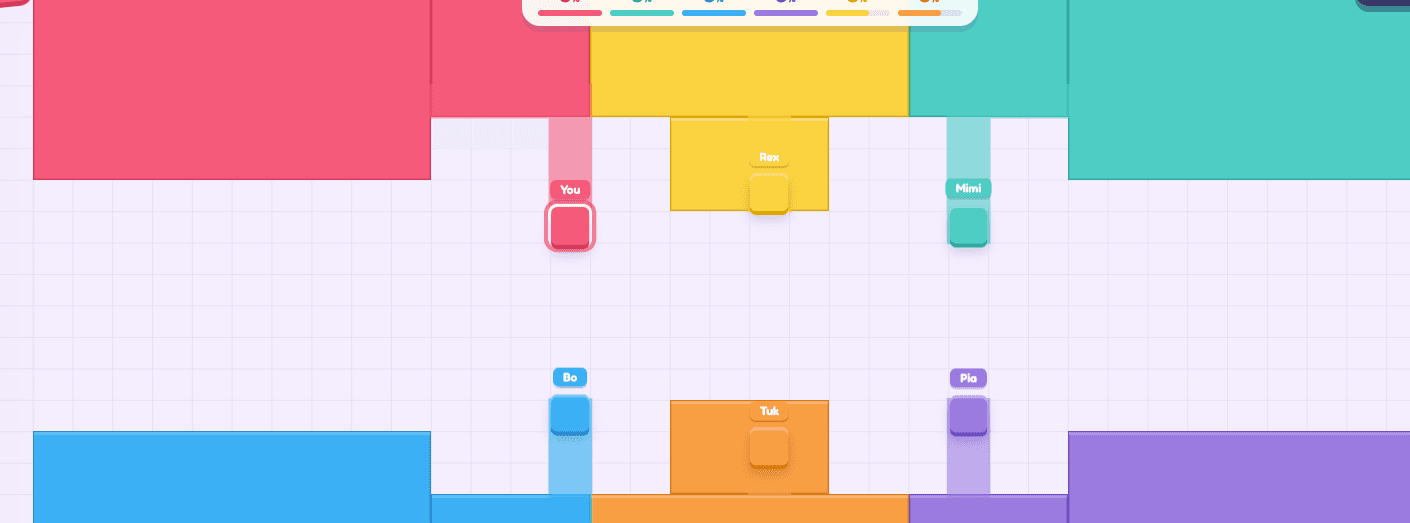
Tap a direction. Seal a loop and every tile inside turns your colour.
2–8 playersHardware questions, mostly.
Yes. If the TV can open a web browser, it can run the game. If it cannot, plug in a laptop over HDMI and use that. Either way the phones do the controlling, so no console, dongle or gamepad is involved.
Most smart TVs from the last few years handle it fine — the games are 2D physics running at a modest resolution, not a 3D engine. If your TV's browser is old or sluggish, an HDMI cable from a laptop is the reliable fallback and costs nothing.
A projector is the best version of this. Anything that displays a browser window works as the arena, and a projector gives you the largest possible one — which matters when eight characters are on screen at once.
Indirectly. Cast a browser tab from a laptop to the Chromecast, or mirror a Mac to the Apple TV. The page needs a real browser somewhere in the chain; casting a video stream of that browser to the TV works fine.
Across the room. The games are deliberately drawn with big shapes and strong colours so the action reads from a sofa, and each player's character is tagged in their own colour.
No settings, no pairing, no accounts. Navigate the TV browser to lanplays.com once, press Host a Game, and everything after that happens on the phones.